Key takeaways
- Apple Watch Series 12 and Ultra 4 can feel like the same watch as before, unless you know where Apple hid the new features. Six settings change that, from live heart rate on the face to automatic Shazam.
- Install watchOS 27.2.1 first. Siri Recap and Live Rewind are still not here; Apple says they come with watchOS 27.3.
- My view: Readiness, the headline feature, needs seven nights of sleep with the watch on. I charge mine every night, so for me it barely exists.
Apple Watch Series 12 and Ultra 4 run watchOS 27, and the newest version is watchOS 27.2.1. The two Audio Intelligence features Apple showed at launch, Siri Recap and Live Rewind, are expected only with watchOS 27.3.
In this article: Same watch on the outside, new features hidden inside · 6 Apple Watch Series 12 tips worth trying · Live heart rate and steps: exactly what I want from a watch · Readiness: the headline feature that barely works for me · Automatic Shazam: small thing, big question · Siri Recap and Live Rewind: still waiting · FAQ
Same watch on the outside, new features hidden inside
I switched to the Series 12 from the Series 10 in October. On the outside I mainly noticed the thicker bezels, and I didn’t feel any speed difference. The new things are hidden inside, and if nobody tells you where to look, you will never find them. Apple should show them right after you set up the watch. It doesn’t.
6 Apple Watch Series 12 tips worth trying
- Put live heart rate and steps on the face. Series 12 and Ultra 4 have new complications that show your heart rate, step count and Readiness score live. Edit the watch face and add them.
- Turn on Swipe to Switch Watch Face. It is off by default: Settings > Clock.
- Enable automatic Shazam. Settings > Smart Stack > Music Detection, and the Smart Stack shows the song playing around you.
- Try the Siri Modular face. It works on every watch with watchOS 27, but Series 12 and Ultra 4 get more complication options.
- Check daytime Vitals. The Vitals app now shows daytime data based on heart rate and heart rate variability, not only overnight.
- Update to watchOS 27.2.1. Early watchOS 27 had a restart bug, which I covered in my watchOS 27 fix guide. Open the Watch app on your iPhone > General > Software Update, with the watch on its charger.
| Tip | Where to find it |
|---|---|
| Live heart rate and steps on the face | Edit watch face > complications |
| Swipe to switch faces | Settings > Clock |
| Automatic Shazam | Settings > Smart Stack > Music Detection |
| Siri Modular face | Edit watch face > add new |
| Daytime Vitals | Vitals app |
| Latest software | watchOS 27.2.1 · Watch app on iPhone |
Live heart rate and steps: exactly what I want from a watch
I use my watch mainly for notifications, Apple Pay and counting reps at the gym. Heart rate and steps right on the face, without opening any app, is exactly what a watch should do: you look at your wrist and you know. But treat the numbers as a helper. A watch should inform you, not stress you.
Readiness: the headline feature that barely works for me
Apple says Readiness needs complete Health Details, Sleep turned on, overnight vitals, and at least seven nights with the watch on your wrist. I cannot fall asleep with a watch on, so it goes on the charger every evening. Result: I still haven’t seen my score.
The most advertised feature of the Series 12 works only for people who sleep with the watch. Apple, give the rest of us at least a simple Readiness from daytime data. The daytime Vitals show you can do it.
Automatic Shazam: small thing, big question
You sit in a café, a song you don’t know is playing, and the watch shows its name on its own. No Siri, no tapping. I love this kind of detail. But it also makes me ask: if the watch listens to the music around me by itself, what else does it hear? Apple says it is processed on the device. I would just like Apple to explain it clearly, not hide it in settings.
Siri Recap and Live Rewind: still waiting
These two were part of the Series 12 launch story. Months later, they are still not here. Live Rewind should show the last 15 seconds of speech as text after a double press of the Digital Crown, and Siri Recap should write a summary of your day, deleted after seven days if you don’t save it. Apple now points to watchOS 27.3.
You sell a watch with features that arrive months later. I would rather wait for them to be tested properly than get them broken. And please, make them useful for people who don’t wear the watch at night too.
Also on Evolt News: Apple Watch restarting? The watchOS 27 fix · Siri AI compatible devices · Apple Black Friday 2026: every gift card
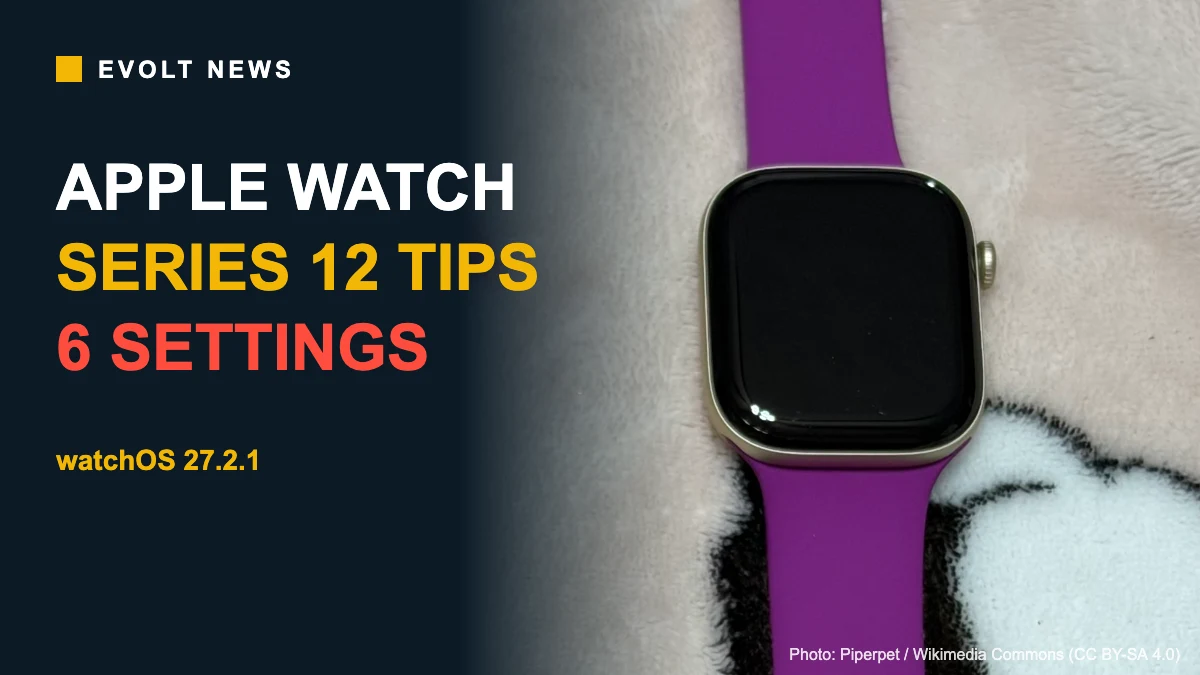
Featured image: Piperpet / Wikimedia Commons (CC BY-SA 4.0).
This article is opinion.
Apple Watch Series 12 tips: FAQ
How do I add live heart rate to my Apple Watch Series 12 face?
Edit the watch face, open complications and choose the new heart rate complication, available on Series 12 and Ultra 4.
How do I turn on automatic Shazam on Apple Watch?
Go to Settings, then Smart Stack, and enable Music Detection.
Why don’t I see a Readiness score?
Readiness needs sleep data. Apple says to set up Sleep and overnight vitals and wear the watch to sleep for at least seven nights.
When do Siri Recap and Live Rewind come to Apple Watch?
Apple expects them with watchOS 27.3. Siri Recap is only for Series 12 and Ultra 4 and is off by default.
What is the latest watchOS for Series 12?
watchOS 27.2.1. Update in the Watch app on your iPhone under General, Software Update.
Do these tips work on Apple Watch Ultra 4?
Yes. The new complications, Readiness and daytime Vitals are available on both Series 12 and Ultra 4.
Sources: Apple, 9to5Mac, MacRumors.
Our Take
Apple Watch Series 12 and Ultra 4 hide their best new features in settings, and six quick changes make the watch feel new.
To me, the watch is great for quick glances, but Readiness ignores people who don’t sleep with it, and Siri Recap and Live Rewind are still promises months after launch.