Key takeaways
- macOS 27 Golden Gate runs only on Macs with Apple silicon, and the latest version is macOS 27.2.1. Intel Macs are left out for the first time.
- The features worth turning on first are Siri AI in Spotlight, Siri’s new memory from macOS 27.2, automatic Safari tab groups, Visual Intelligence and Describe a Shortcut.
- My view: Golden Gate fixes a lot of what annoyed people in Tahoe, but the best new Siri tricks are still limited, and the Mac is the first place where Apple is clearly testing a future touchscreen.
Apple released macOS 27 Golden Gate on September 14 for Macs with Apple silicon, followed by macOS 27.2 on October 26 and the bug-fix update macOS 27.2.1. Version 27.2 added Siri AI in French, Japanese, Korean, Portuguese and Spanish, and lets Siri remember earlier conversations.
In this article: Before you update · 1. Siri AI in Spotlight · 2. Let Siri remember (macOS 27.2) · 3. Write with Siri in Mail · 4. Automatic Safari tab groups · 5. Visual Intelligence on the Mac · 6. Describe a Shortcut · 7. Photos: Spatial Reframing and better Clean Up · My verdict: worth installing, with two warnings · FAQ
Before you update
Make a Time Machine backup first. Then open System Settings > General > Software Update and install macOS 27.2.1, not the first release. Plug in your MacBook, the download is big. If you still use an Intel Mac, this is the first year you get nothing. Apple will keep sending security fixes for older systems for a while, but the new features are gone for you.
| Version | What it brings |
|---|---|
| macOS 27 (Sept 14) | Siri AI, Visual Intelligence, Safari tab groups, Describe a Shortcut, refined Liquid Glass |
| macOS 27.0.1 | bug fixes |
| macOS 27.2 (Oct 26) | Siri AI remembers past chats, more languages, Write with Siri in Mail, Excluded Apps |
| macOS 27.2.1 | bug fixes and security updates |
1. Siri AI in Spotlight
Siri was rebuilt as a real AI assistant. Press Command and Space, and the same bar now says Search or Ask. Type a question like you would in ChatGPT, ask for two things in one request, or ask about what is on your screen. To me, this is the first time Siri on the Mac feels useful, not decorative. Check whether your other devices get it in my Siri AI compatibility list.
2. Let Siri remember (macOS 27.2)
Since macOS 27.2, Siri AI can recall past conversations and use more of your data: photos from Messages, Calendar attendees, voicemails and Safari history. Useful, yes. But think about it before you turn everything on. There is now an Excluded Apps setting, and I would use it for anything private. The more Siri knows, the more you have to trust Apple with.
3. Write with Siri in Mail
Also new in 27.2: in Mail you can ask Siri to write or rewrite an email. For short replies it saves time. For anything important, read it twice. AI text sounds polite and empty very fast, and people notice.
4. Automatic Safari tab groups
Safari can now sort your open tabs into groups by itself. If you are like me and end the week with 60 tabs open, turn it on. It is a small thing that saves real minutes every day.
5. Visual Intelligence on the Mac
You can ask Siri about anything on your screen: a chart, a product, a page in another language. It works best when you ask something specific. Ask “explain this” and you get a generic answer.
6. Describe a Shortcut
In the Shortcuts app you can now describe what you want in normal words, and the Mac builds the shortcut for you. For people who never touched Shortcuts because it looked like programming, this is the best reason to start.
7. Photos: Spatial Reframing and better Clean Up
Photos can reframe a picture and extend it beyond the original edges, and Clean Up removes objects better than before. Nice for quick fixes. For real editing, nothing replaces a proper editor.
My verdict: worth installing, with two warnings
Golden Gate is the update Tahoe should have been. The Liquid Glass look is calmer, Siri finally does something, and the small things work. My first warning: every new Siri feature wants more of your data, so decide yourself what it can see. My second: macOS 27.2 added new gesture recognition tools to several apps. Apple does not add touch gestures to a Mac by accident. My guess is a touchscreen MacBook Pro, and this is the test.
Also on Evolt News: Siri AI compatible devices · MacBook Air 2027: sold twice · Apple Black Friday 2026: every gift card
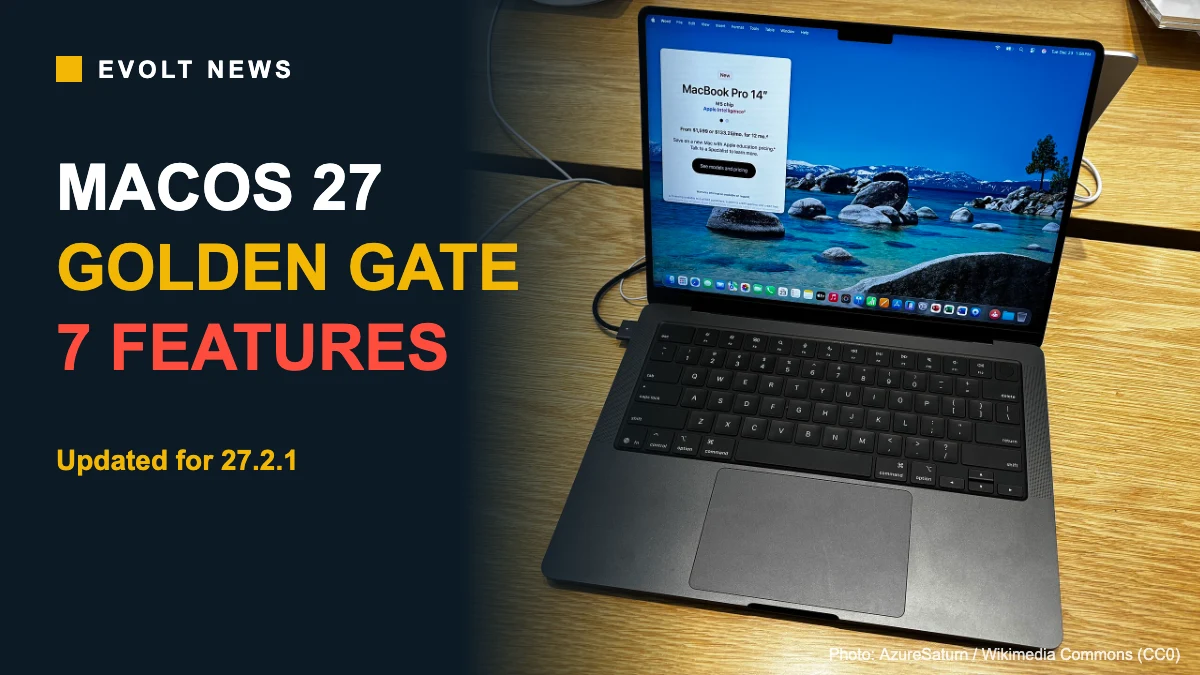
Featured image: AzureSaturn / Wikimedia Commons (CC0).
This article is opinion.
macOS 27 Golden Gate: FAQ
What is the latest version of macOS 27 Golden Gate?
macOS 27.2.1, a bug-fix and security update after macOS 27.2 from October 26.
Does macOS 27 run on Intel Macs?
No. macOS 27 Golden Gate requires a Mac with Apple silicon.
How do I use Siri AI on the Mac?
Press Command and Space, or open the Siri app, and type or speak your request in the Search or Ask bar.
Which languages does Siri AI support on macOS 27.2?
English, plus French, Japanese, Korean, Portuguese and Spanish since macOS 27.2.
Can I stop Siri AI from using certain apps?
Yes. macOS 27.2 added an Excluded Apps setting to keep chosen apps out of Siri’s reach.
Should I update to macOS 27?
For most Apple silicon Macs, yes. Back up first and install the latest version, macOS 27.2.1.
Sources: Apple, 9to5Mac.
Our Take
macOS 27 Golden Gate brings a real Siri AI, a memory for Siri since 27.2, and many small fixes, but only for Macs with Apple silicon.
To me it is the update worth installing this year, as long as you decide yourself what Siri can see, and the new gesture tools in 27.2 look like the first step toward a touchscreen Mac.