Key takeaways
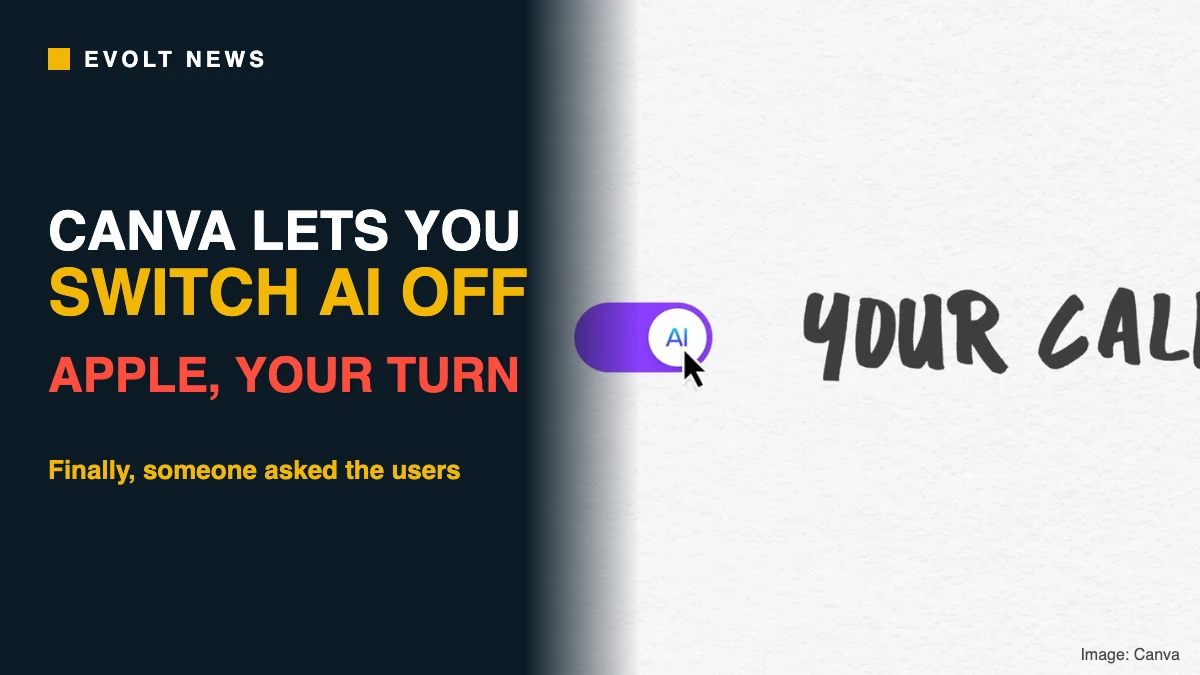
- Canva now lets Free and Pro users switch off its generative AI features with one toggle, and show less AI-generated content in its template library.
- Both controls are free. Background Remover and Magic Grab stay on, because they only edit what is already in a design.
- My view: this is the first big app to admit out loud that people never asked for AI everywhere. Apple, Google and Microsoft should copy it tomorrow. They won’t.
Canva added a switch under Profile, Settings, Permissions that hides its generative AI features, plus a second option that shows less AI-generated content in templates and search. Both are free for Free and Pro users and can be turned back on any time.
In this article: Finally, someone said it · Why this matters more than it looks · Now do it, Apple · Not perfect, but honest · My prediction · FAQ
Finally, someone said it
For two years every company has told us the same thing: AI is the future, you will love it, here it is in every button. Nobody asked us. Canva just said the quiet part: “It’s not our place to tell anyone how to create.” Wow. A tech company that remembers who pays the bills.
And look where they put it. Not in some hidden enterprise panel for admins, but for normal Free and Pro users. Until now only Business, Enterprise and Education admins had these AI controls. Now anyone can say: no, thank you.

Why this matters more than it looks
Canva is not a small studio. It is one of the biggest design apps in the world, and it bought Leonardo.ai in 2024 to push image generation. When a company that paid for an AI image maker lets you hide it, that tells me the users screamed loud enough.
People who make things want to know that a real person made what they use. Canva said it itself: its community wants “an easier way to find design assets made by real people.” That is the market talking, not a marketing slide.
Now do it, Apple
Apple pushes Siri AI into Mail, Notes, Photos and the keyboard, and then counts how many questions you can ask before it sells you more iCloud storage. Google puts AI answers on top of search whether you want them or not, and I already wrote how Google’s AI learns from our work and pays nobody.
So why can a design app give people one honest switch with a clear explanation, while the richest companies on the planet keep pushing harder? Because their whole story to investors is “everyone uses our AI.” One switch, and the numbers would show how many really want it.
Not perfect, but honest
Fine, it’s not total. The content option shows “less” AI material, not zero, and some tools still use AI under the hood. But Canva told us exactly which ones and why: Background Remover and Magic Grab only work with what is already in your design, and they don’t stamp an AI label on it. That is how you talk to customers. No fog, no “trust us.”
Compare it with Meta, whose Muse agent read a Signal message nobody gave it and then called it an isolated incident. One company asks you. The other takes and explains later.
My prediction
Within a year, the “AI off” switch becomes a selling point. Smaller apps will copy Canva first, the same way Reddit started fighting back against AI scraping. The big three will hold out until regulators or angry users force them.
Remember my words: the company that lets you say no to AI will win more trust than the one that shoves it in your face.
Also on Evolt News: Siri AI daily limit and the iCloud upsell · Google’s AI learns from us and nobody pays publishers · Reddit goes logged-in only: someone finally fights back
Featured image: Canva.
This article is opinion.
Update: the same day, Bloomberg reported that Apple’s camera software chief, a strong opponent of AI-altered photos, retired with no replacement. I wrote about it here: Apple’s camera chief who fought AI photos is gone.
Canva generative AI switch: FAQ
How do I turn off generative AI in Canva?
Go to Profile, then Settings, then Permissions, and switch off “Enable generative AI features”. Supported generative AI features are then hidden across Canva. You can switch them back on at any time.
How do I see less AI-generated content in Canva?
Go to Profile, then Your account, then AI personalization, and enable showing less AI-generated content. This reduces AI-generated templates and elements in search results and recommendations without changing existing designs.
Is the Canva AI switch free?
Yes. Canva says both controls are available to Free and Pro users at no extra cost.
Which Canva AI tools stay on when the switch is off?
Tools that use AI without generating new content, such as Background Remover and Magic Grab, remain available. Canva says they also do not add an AI label to a design’s metadata.
Did Canva have AI controls before?
Yes, but only for administrators of Business, Enterprise, Teams and Education accounts. The new switches bring similar control to individual Free and Pro users.
Sources: Canva, 9to5Mac.
Our Take
Canva now lets everyday users hide its generative AI features and see less AI-generated content, for free. Editing tools like Background Remover stay available.
To me, it is the most honest AI move of the year: a big app asking users what they want instead of deciding for them. Apple, Google and Microsoft should feel embarrassed.