Key takeaways
- As soon as macOS 27.3, apps that try to reach protected files will no longer show up in the Full Disk Access list in Settings, according to leaker pdfu. Users can still grant the access by dragging the app there by hand.
- AI agents want Full Disk Access mostly to read iMessage, and Apple still gives them no narrower way in.
- My view: closing the door on outside agents is right. But five days ago Apple said it wants its own agent Siri next year, with access to everything. Who protects us from that one?
Apple will hide apps that ask for protected files from the Full Disk Access list in macOS 27.3, so AI agents can no longer send you straight to a one-click toggle. You can still give them the whole disk, but only by dragging the app into Settings yourself.
In this article: Finally, Apple protects our data · Hiding the toggle is not a lock · Why people hand over the whole Mac · An agent Siri with the keys to everything · Who protects us from Apple’s own agent? · What you should do today · FAQ
Finally, Apple protects our data
Let’s start with the good part, because Apple deserves it this time. Full Disk Access is the master key to your Mac. With it, an app can read your files, your mail, your messages and your browsing history, everything. And agents like Meta’s Muse, OpenAI’s Dots or Grok want exactly that key. Apple said it straight in October: as agents grow more capable and autonomous, the risks “will grow substantially”. Good. Somebody had to say it.
Hiding the toggle is not a lock
But look at what Apple actually does. It removes the shortcut. The toggle disappears from the list, and that’s it. Drag the icon into the panel, and the agent has the whole disk again. Apple promised “very explicit user action”. Is dragging an icon the explicit action? To me, it’s like moving the house key from the doormat to under the flowerpot. The thief needs five more seconds.
Why people hand over the whole Mac
Most people give an agent Full Disk Access for one reason: they want it to read their iMessages. And Apple gives no other way. It’s like giving a cleaner the key to your whole house because you want them to water one plant. The leaker mentions “Private Folders”, which might allow access to just the Messages folder. That’s the real fix. Why didn’t Apple build that first, before it started hiding toggles?
An agent Siri with the keys to everything
And now the part that makes me laugh. On November 8, Bloomberg reported that Apple wants Siri to become “more like an agent” as early as next year. I wrote about it: an agent needs the keys to your life. Email, contacts, calendar, money. So Apple locks other companies’ agents out of your Mac and, at the same time, prepares its own agent with access to everything. And that agent runs on Google’s Gemini. Apple doesn’t even have its own brain for it.
Do you think we don’t see it, Apple? Security is the right word, but it can also be a very comfortable weapon against competitors. My guess: in a year or two, Siri will get your messages natively, and outside agents will reach them only through a gate Apple controls. Remember my words.
Who protects us from Apple’s own agent?
Apple says it wants users to “clearly understand these risks”. Fine. Then I want the same rules for Siri. Show us exactly what the agent reads, where the data goes and what it does without asking. When ChatGPT got access to iCloud Mail, I said no, because nobody told us where our email goes. I will judge an agent Siri by exactly the same rule. And Apple stays silent when something breaks, as we saw with the spyware warnings.
What you should do today
Don’t wait for macOS 27.3. Open System Settings, Privacy & Security, Full Disk Access, and look at the list. Every AI app you don’t fully trust, switch it off. Backup apps need this access; a chatbot doesn’t. If an agent asks you to drag its icon somewhere, stop and ask yourself whether you’d hand that company the key to your whole house. I wouldn’t.
Also on Evolt News: Thai Opposition Leaders Got Apple’s Spyware Warning. Now the Government Wants to “Check” It · Apple’s Harbor Runs AI on Your Mac. Too Bad the Brain Belongs to Someone Else Again · Siri AI Agents Must Wait for “Security”? It’s an Excuse · Apple Rents OpenAI’s Brain and Bills You $12.99
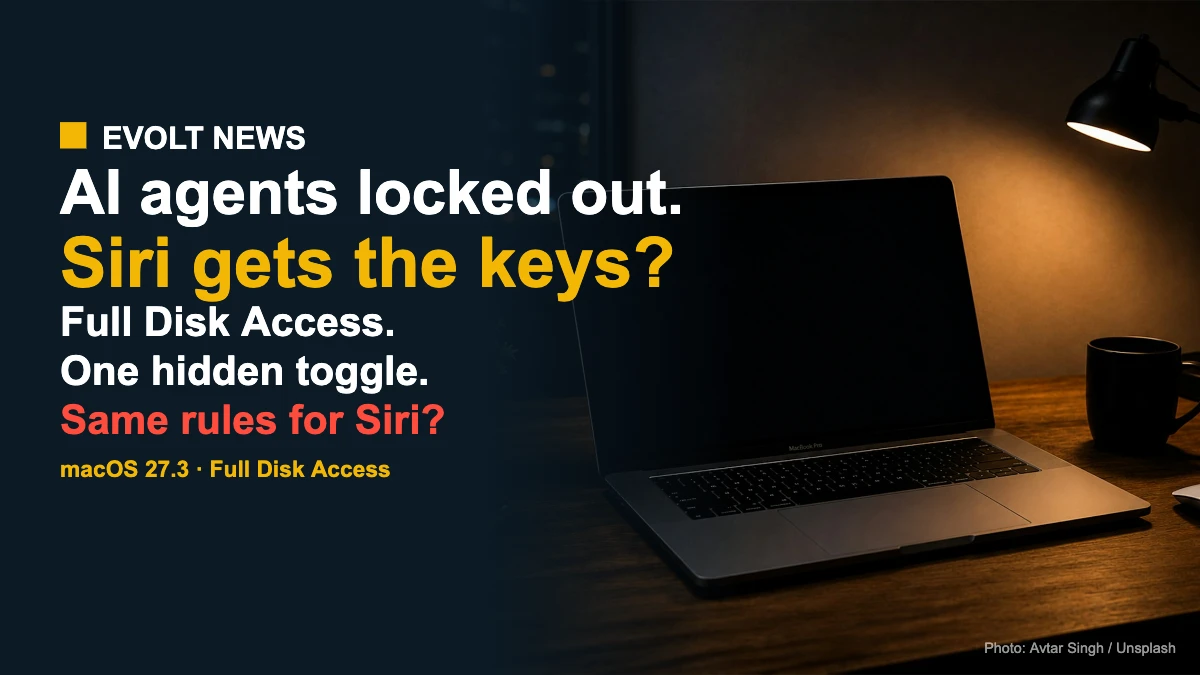
Featured image: Avtar Singh / Unsplash.
This article is opinion.
macOS Full Disk Access and AI agents: FAQ
What is Full Disk Access on a Mac?
A macOS permission that lets an app reach protected data such as files, Mail, Messages and Safari history. It exists mainly so backup apps can work.
What changes in macOS 27.3?
According to leaker pdfu, apps that request files outside their permissions will no longer appear in the Full Disk Access list in Settings. The change is still in development.
Can I still give an app Full Disk Access?
Yes. You can still drag the app’s icon into the Full Disk Access panel in System Settings.
Why do AI agents want Full Disk Access?
Mostly to read the iMessage database, because macOS has no narrower way to give an app access to messages.
What did Apple say about it?
On October 2, Apple told developers it will require “very explicit user action” for Full Disk Access, because the risks will grow as AI agents become more autonomous.
How do I check which apps have Full Disk Access?
Go to System Settings, Privacy & Security, Full Disk Access. Switch off any app that doesn’t need it.
I read this news on 9to5Mac.
Sources: Apple Developer, 9to5Mac, Bloomberg, MacRumors, Daring Fireball.
Our Take
Apple is right to protect the master key of the Mac. But hiding a toggle is a shortcut, not a lock, and the real fix is narrow access to Messages.
Apple locks other agents out while it builds its own agent Siri with access to everything. Same rules for Siri, or this is not security, it’s business.