Key takeaways
- If your iPhone or iPad is stolen, the first hour decides almost everything: Mark As Lost, block your SIM, change your Apple Account password, report it with the IMEI.
- Five minutes today make that hour possible: Find My, Send Last Location, Stolen Device Protection and a written-down IMEI.
- My view: thieves rarely want your phone. They want your passcode, your codes and your money. Protect those first, and the phone becomes a worthless brick for them.
Phone and tablet thefts keep making the news: a man broke into a school in Ontario and stole a large number of iPads, a seller in Cleveland lost a new iPhone in a parking lot to a buyer who paid with mostly fake $50 bills, and stolen iPhones are resold in second-hand markets abroad. Here is exactly what to turn on today and what to do in the first hour if it happens to you.
In this article: Why the first hour matters so much · Do this today: five minutes that save you later · It’s gone: the first ten minutes · Ten to sixty minutes: close the doors behind the phone · Watch out for the “we found your iPhone” message · Erase or not, and what not to do · Selling your iPhone? Don’t become the next story · FAQ
Read next: iPhone battery health: the one number that matters and the settings that really save it
Florida and Rhode Island Say No to Apple Wallet IDs
Selling or trading in your iPhone? The 6-step checklist
Why the first hour matters so much
Let me be honest. Your iPhone itself is not the big prize anymore. With Activation Lock, a stolen iPhone that is still connected to your Apple Account is almost useless to resell as a phone, so thieves sell it for parts. The real prize is what is inside and behind it: your passcode, your bank apps, your email, and the text messages with login codes.
That is why speed matters. In the first hour the thief still has the phone in hand, maybe even saw you type your passcode. Every minute you wait is a minute they can try to get into your accounts. Do the steps below in this order.
| When | What to do | Why it matters |
|---|---|---|
| Today, 5 minutes | Turn on Find My, Send Last Location and Stolen Device Protection, write down your IMEI | Without this, the first hour is lost before it starts |
| Minute 1 to 10 | Open icloud.com/find or Find My on another device, Mark As Lost | Locks the phone, shows your message, suspends Apple Pay |
| Minute 10 to 30 | Call your carrier to block the SIM or eSIM, change your Apple Account password from a safe device | Stops the thief from receiving your login codes by SMS |
| Minute 30 to 60 | Report it to the police with the IMEI, check your bank and email | Insurance needs the report, banks need to know fast |
| Only when you give up | Erase the device, but do not remove it from your account | Activation Lock stays, the phone stays worthless to the thief |
Do this today: five minutes that save you later
Turn on Find My. On iPhone: Settings, tap your name, Find My, Find My iPhone. Switch on Find My network and Send Last Location too, so even with a dead battery you see the last place it was.
Turn on Stolen Device Protection: Settings, Face ID and Passcode, Stolen Device Protection. When your iPhone is away from familiar places like home or work, sensitive changes need Face ID or Touch ID, and some need a one-hour wait. A thief who saw your passcode cannot simply change your Apple Account password. In my opinion this is the most important switch on your iPhone, and many people still have it off.
Write down your IMEI: Settings, General, About. Keep it in a note on another device or on paper. The police and your carrier will ask for it. And use a longer passcode than six digits if you can. If you type your code in a bar where people stand behind you, assume someone saw it.
It’s gone: the first ten minutes
Don’t run after anyone. A phone is not worth your health. Instead, borrow a phone or use a computer and open icloud.com/find, or the Find My app on your iPad, Mac or a family member’s device.
Choose Mark As Lost. This locks the device with your passcode, shows a message and a phone number on the screen, and suspends Apple Pay cards. You see the location if the device is online. If it is at a stranger’s address, give it to the police. Don’t go there alone.
Ten to sixty minutes: close the doors behind the phone
Call your carrier and block the SIM or eSIM. This is the step people forget, and it is the important one: many banks and services still send login codes by SMS. A blocked SIM means the thief doesn’t get them. Then, from a safe device, change your Apple Account password and check which devices are signed in.
Check your bank and email for strange activity, and if you reuse passwords, change them now. I wrote about two billion leaked passwords: if one of yours is there, a stolen phone plus a leaked password is a very bad combination. Then report the theft to the police with the IMEI. Insurance companies usually need the report number.
Watch out for the “we found your iPhone” message
This one is nasty. A few days after a theft, many victims get a text or email that looks like Apple: “Your lost iPhone has been found, sign in to see its location.” It is a trap. The thief wants your Apple Account password to remove Activation Lock, because only then can the phone be sold as a working iPhone.
Apple will not text you a link to sign in to see your lost iPhone. Open icloud.com/find yourself, never through a link. Same rule as with any phishing: if a message pushes you to log in fast, it’s a lie.
Erase or not, and what not to do
Erase the device only when you are sure you won’t get it back. After erasing, you can no longer locate it. But never remove it from your account: as long as it stays in your Apple Account, Activation Lock stays on and the device stays worthless to whoever has it.
For schools and companies with many iPads, the rule is the same at scale: devices must be enrolled and locked to the organization’s account before they leave the box. Then a bag of stolen iPads is a bag of bricks. And keep your software updated: old versions are easier to break into, as Telegram itself warned.
Selling your iPhone? Don’t become the next story
If you sell on Marketplace or similar sites, meet in a public place with cameras, ideally a police “safe exchange” spot. Don’t hand over the phone before the money is really yours: an instant bank transfer you see on your own banking app is safer than a roll of cash you cannot check.
Before you hand it over, sign out of your Apple Account and erase it in front of the buyer. A phone sold properly is a phone you don’t have to worry about tomorrow.
Also on Evolt News: Two billion passwords leaked: check yours · Telegram warns iPhone users on old iOS · The 1Password scare and phishing
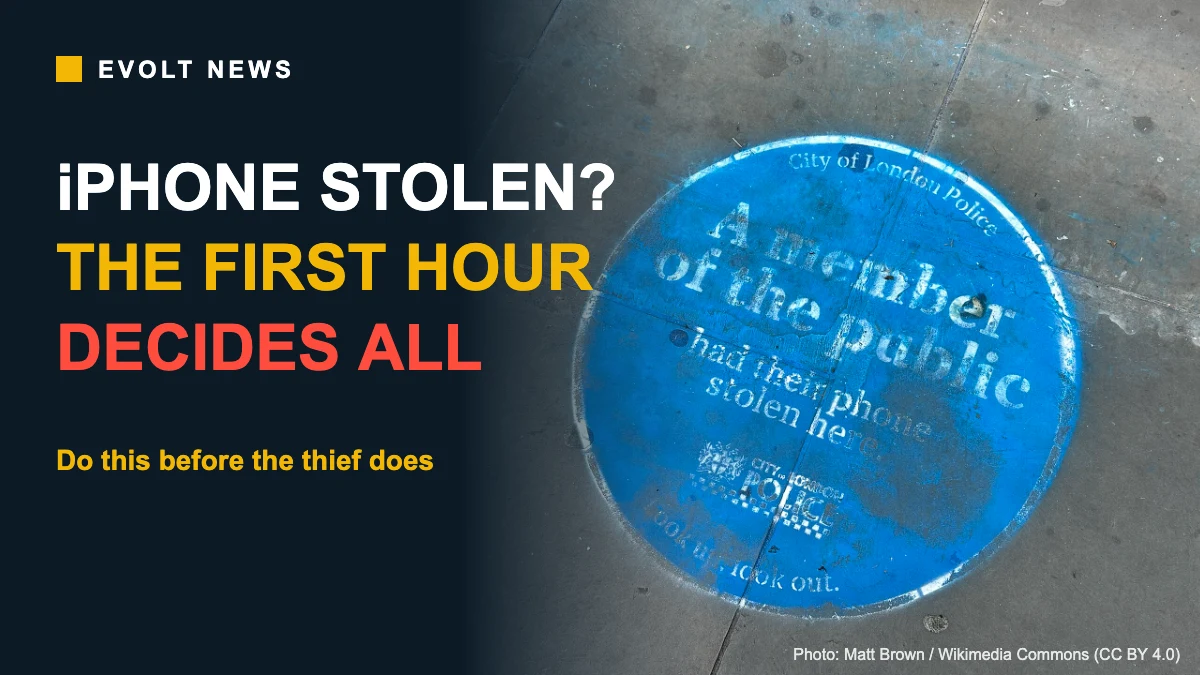
Featured image: Matt Brown / Wikimedia Commons (CC BY 4.0).
This article is opinion.
Stolen iPhone or iPad: FAQ
What should I do first if my iPhone is stolen?
Open icloud.com/find or the Find My app on another device and choose Mark As Lost. It locks the iPhone, shows your message and suspends Apple Pay. Then block your SIM with your carrier and change your Apple Account password.
What is Stolen Device Protection?
It is an iPhone setting that requires Face ID or Touch ID for sensitive actions when the iPhone is away from familiar locations, and adds a one-hour delay for some changes, such as changing your Apple Account password. Turn it on in Settings, Face ID and Passcode.
Can a thief use my stolen iPhone if it has Activation Lock?
Not as a normal phone. While the device is linked to your Apple Account, it cannot be activated by someone else without your password. That is why thieves often try phishing messages to get your password.
Should I erase my stolen iPhone?
Only when you are sure you will not get it back, because after erasing you can no longer locate it. Never remove the device from your Apple Account, or Activation Lock is lost.
Where do I find my iPhone’s IMEI?
In Settings, General, About. It is also on the original box and in your carrier account. The police and your carrier will ask for it.
Is a message saying my lost iPhone was found real?
Be very careful. Apple does not text you a link to sign in to see a lost device. These messages are usually phishing to steal your password. Open icloud.com/find yourself instead.
Sources: Apple, AppleInsider, CP24, Cleveland.com.
Our Take
A stolen iPhone is rarely about the phone. It is about your passcode, your SIM and your accounts, so protect those first and fast.
Five minutes of settings today, Find My, Send Last Location, Stolen Device Protection and your IMEI on paper, turn the worst hour into a manageable one.