Key takeaways
- macOS 27 Golden Gate came out on September 14, 2026 as a free update for Apple silicon Macs only.
- Beyond Siri AI, it fixes many design complaints from macOS Tahoe: window corners, sidebars, cluttered menus and too much transparency.
- HDR now reaches the whole interface, and iPhone Mirroring gets resizing, Control Center and protected video, though it is still not available in the EU.
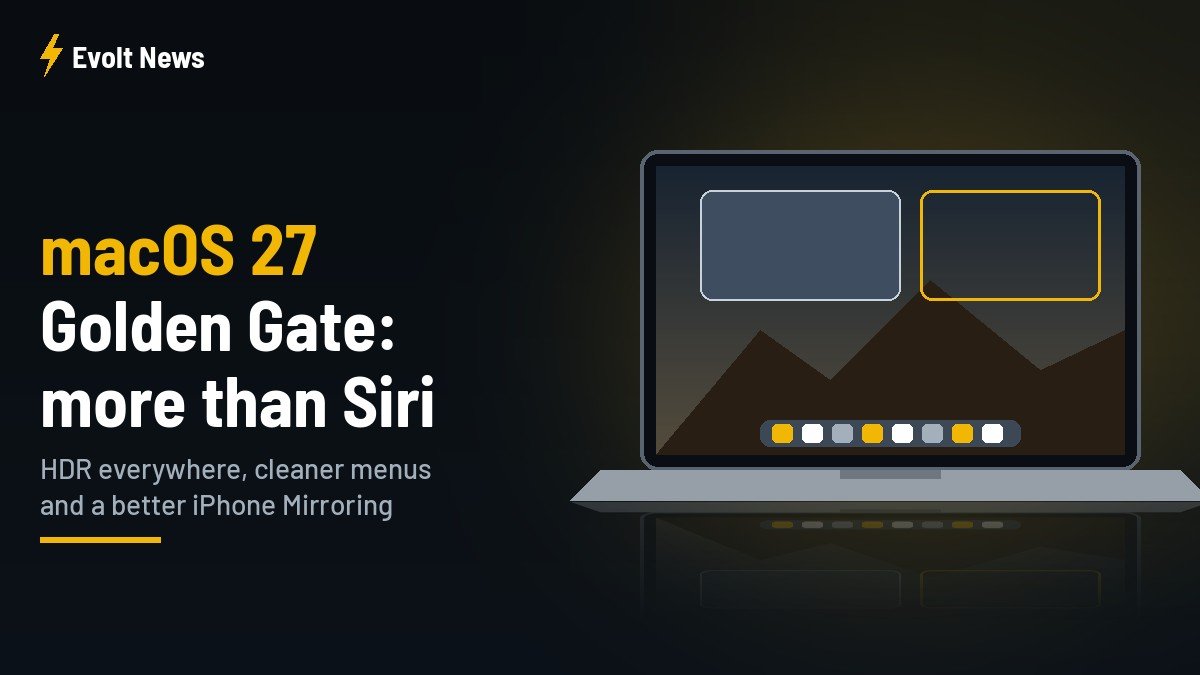
The macOS 27 top features list is usually summed up in two words: Siri AI. The new conversational assistant, built in partnership with Google’s Gemini model and living in its own Siri app, grabbed most of the attention when Apple released macOS 27 Golden Gate on September 14. But after two weeks with the update, the smaller changes may matter more to people who use a Mac all day.
Many of them are quiet fixes to the things users disliked about last year’s macOS 26 Tahoe. Here is what changed, what is worth trying first, and what to check before you update.
In this article: Design fixes · HDR everywhere · New icons · iPhone Mirroring · Before you update · FAQ
Design fixes: Apple listened to Tahoe complaints
macOS Tahoe introduced the Liquid Glass look, and with it a list of complaints: windows with mismatched rounded corners, floating sidebars, toolbars that blended into content and glass effects that hurt readability. Golden Gate addresses most of them.
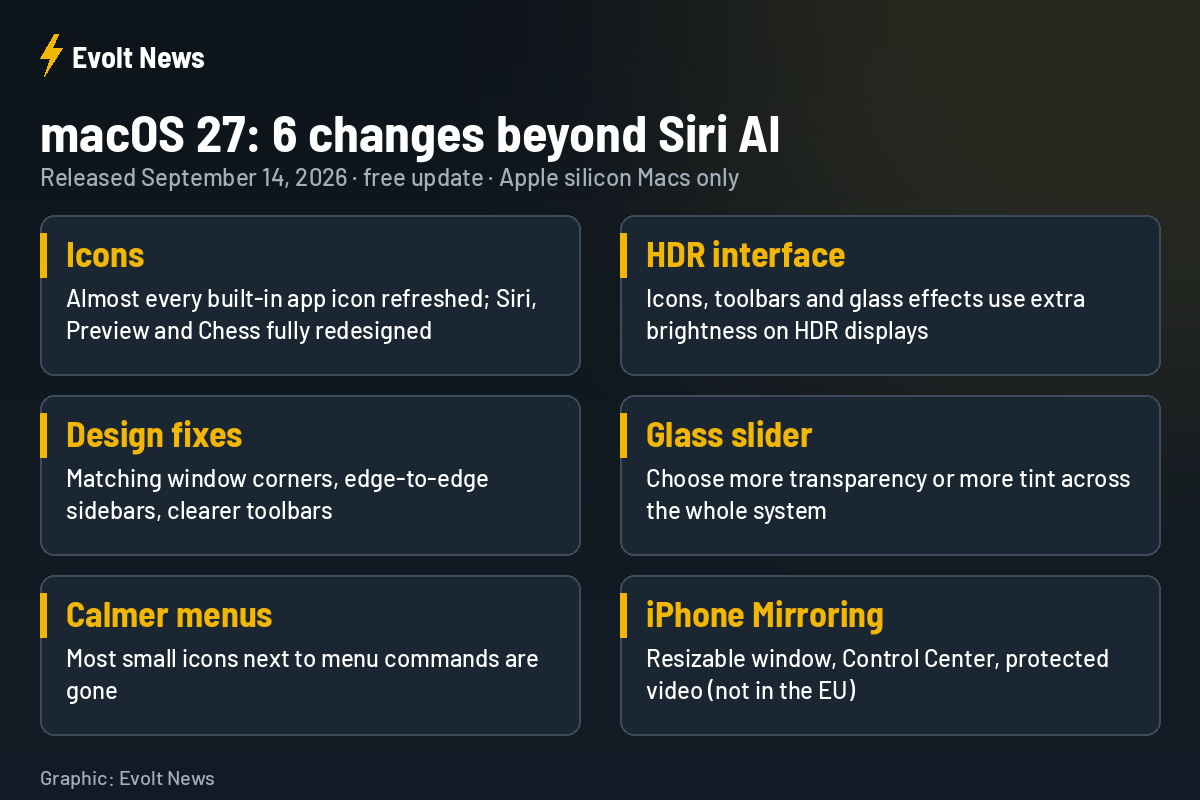
- Window corners are consistent again instead of changing radius from window to window.
- Sidebars run edge to edge again instead of floating inside the window.
- Toolbars have a clear dividing line between the controls and the content.
- A new transparency slider lets you choose how much glass versus solid tint you want across the system.
Menus without the icon clutter
In Tahoe, almost every menu command got a small glyph next to it. With dozens of icons in one menu, they stopped helping anyone find anything. Golden Gate removes most of them, and menus read as clean lists of text again. It is a small change, but you see it hundreds of times a day.
HDR across the whole interface
One of the most visible changes, if you have the right screen, is HDR support in the system interface itself. Icons, toolbars and Liquid Glass effects can now use the extra brightness of an HDR display, so highlights look brighter and colours deeper than on a standard screen.
Apple’s own XDR displays use this automatically. On a third-party HDR monitor, such as a QD-OLED panel, you need to switch it on yourself.
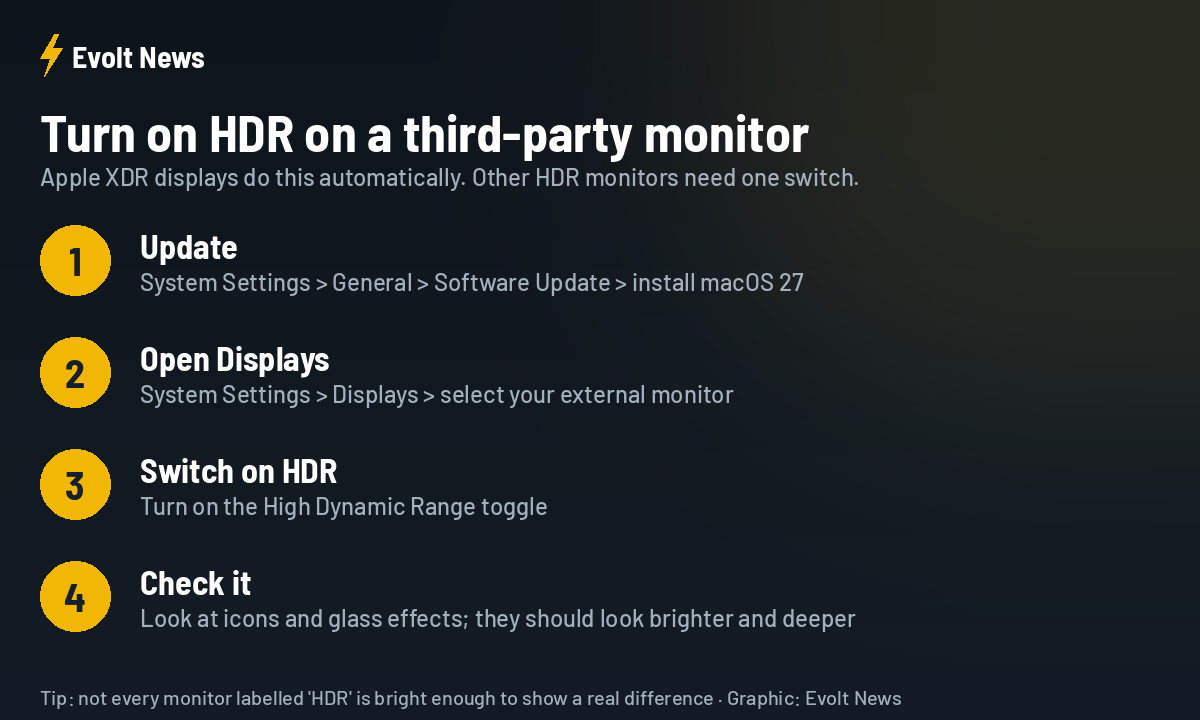
A quick tip: not every monitor sold as “HDR” is bright enough to show a clear difference. Budget HDR400 panels often look almost the same as SDR, so do not buy a new display just for this feature.
A refresh for almost every app icon
Almost every built-in app icon has changed in some way. Siri, Preview and Chess are complete redesigns, while Finder, Photos and Reminders get more noticeable updates that lean further into the Liquid Glass style. Most other changes are subtle. As with every icon refresh, opinions are split, and the new Finder icon in particular has its critics.
iPhone Mirroring gets three useful upgrades
| Feature | macOS 26 Tahoe | macOS 27 Golden Gate |
|---|---|---|
| Window shape | Fixed iPhone proportions | Freely resizable; supported apps can show more content |
| Control Center | Not available | Available from the mirrored iPhone |
| Protected video | Blacked out | Plays back (streaming apps may still restrict it) |
| EU availability | No | Still no |
The resizable window is the headline here. Many observers see it as preparation for Apple’s foldable iPhone, since apps built for iOS 27 can stretch to wider layouts. For readers in the Czech Republic and the rest of the EU, the bad news is unchanged: Apple still does not offer iPhone Mirroring in the European Union.
Before you update: a short checklist
- Check your Mac: macOS 27 needs Apple silicon (M1 or newer). Intel Macs cannot install it.
- Back up first with Time Machine or another backup tool.
- Printers and scanners: some users have reported problems with older drivers after updating. If a device matters for your work, check the maker’s website first.
- No rush: if you depend on your Mac for work, waiting for version 27.1 or 27.2 is a sensible choice. Apple is already testing 27.2 with developers.
- Siri AI language: Siri AI is still labelled beta and launched in English first, so availability depends on your language and region.
macOS 27 Top Features FAQ
When was macOS 27 released?
Apple released macOS 27 Golden Gate to the public on September 14, 2026, alongside iOS 27 and its other platform updates.
Does macOS 27 work on Intel Macs?
No. It requires a Mac with Apple silicon.
Can I reduce the Liquid Glass transparency?
Yes. macOS 27 adds a slider that lets you choose between more transparency and more solid tint across the system.
Is iPhone Mirroring available in the Czech Republic?
No. iPhone Mirroring remains unavailable in all EU countries, including after the macOS 27 update.
Sources: 9to5Mac, MacRumors, Macworld, iThinkDifferent, Michael Tsai’s blog, Apple.