Key takeaways
- The iPhone 18 Pro Face ID bug froze some iPhone 18 Pro and Pro Max units after a failed scan and then restarted them. Apple fixed it with iOS 27.0.1.
- The latest version is now iOS 27.2.1. If you update and Face ID still misbehaves, the cause is probably something else: a screen protector, the settings, or the hardware.
- My view: a new Face ID design plus brand-new software is exactly why I never rush to buy the first units of a new iPhone.
Since the iPhone 18 Pro went on sale on September 18, some iPhone 18 Pro and Pro Max owners saw the phone freeze after a failed Face ID scan and restart a few seconds later. Apple called it a software problem and fixed it in iOS 27.0.1, and the newest version today is iOS 27.2.1, released on November 9.
In this article: What the bug did, and is it really fixed? · How to update your iPhone 18 Pro · Face ID still not working after the update? Try this · Why I never rush to buy the first units · FAQ
What the bug did, and is it really fixed?
The freeze came when Face ID failed while an app asked you to authenticate, for example in the Passwords app or in locked Safari tabs. The screen stopped reacting to touch, and the iPhone restarted on its own and saved a panic log, which is the system’s crash report.
Apple’s notes for iOS 27.0.1 say it fixes an issue that could cause some iPhone 18 Pro models to restart when using Face ID. Every later version, including iOS 27.2 and iOS 27.2.1, carries the fix. So the first step is simple: install the newest update.
How to update your iPhone 18 Pro
- Back up the iPhone to iCloud: Settings > your name > iCloud > iCloud Backup.
- Connect to Wi-Fi and plug in the charger.
- Open Settings > General > Software Update.
- Install iOS 27.2.1, or a newer version if you see one.
- After the restart, check Settings > General > About to see the version.
Face ID still not working after the update? Try this
- Force restart the iPhone (steps below).
- Take off the screen protector for a moment. The iPhone 18 Pro has its Face ID camera under the display, and a thick or badly placed protector can get in the way.
- Clean the top of the screen. Fingerprints and dust there matter more than you think.
- Reset Face ID: Settings > Face ID & Passcode > Reset Face ID, then set it up again in good light.
- Use your passcode in the app that keeps failing, until the problem is gone.
- If the message “Face ID is Not Available” stays, contact Apple Support. Then it may be hardware.
How to force restart a frozen iPhone 18 Pro:
- Press and release Volume Up.
- Press and release Volume Down.
- Hold the Side button until the Apple logo appears, then let go.
Why I never rush to buy the first units
The iPhone 18 Pro got a redesigned Face ID with the infrared camera moved under the display, to make the Dynamic Island smaller. New hardware and new software at the same time is a classic recipe for launch bugs. Apple fixed this one in about ten days, and I give it credit for that.
But it shows exactly why I wait a few weeks after launch. The first buyers pay full price and become testers. If your phone works today after the update, keep it. Don’t swap it, a replacement had the same problem anyway, because it was software. And if you are still deciding, read 2027 iPhone lineup: wait or buy now?
Also on Evolt News: Apple Watch restarting? The watchOS 27 fix · iOS 27 best features that are not AI · 2027 iPhone lineup: wait or buy now?
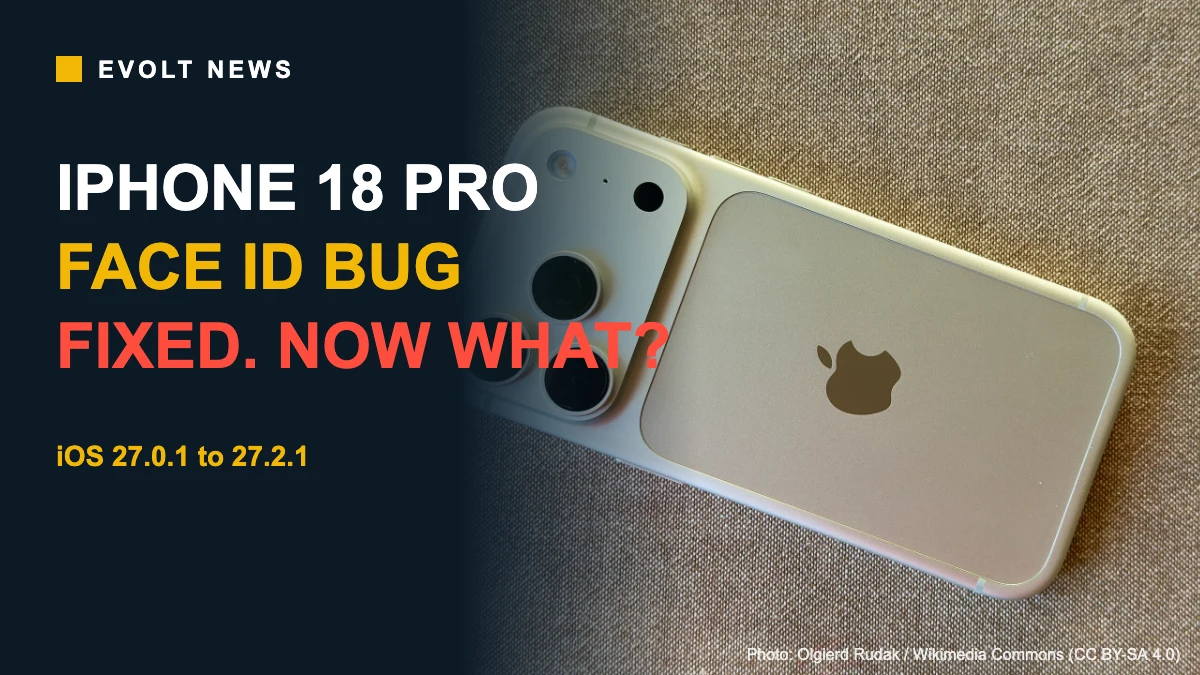
Featured image: Olgierd Rudak / Wikimedia Commons (CC BY-SA 4.0).
This article is opinion.
iPhone 18 Pro Face ID bug: FAQ
Is the iPhone 18 Pro Face ID bug fixed?
Yes. Apple fixed the issue that could make some iPhone 18 Pro models restart when using Face ID in iOS 27.0.1. All later versions, including iOS 27.2.1, include the fix.
Which iPhones had the Face ID bug?
Reports pointed to the iPhone 18 Pro and iPhone 18 Pro Max. Not every unit was affected, and older iPhones on iOS 27 did not show the same problem.
What is the latest iOS version for iPhone 18 Pro?
iOS 27.2.1, released on November 9, with bug fixes and security updates.
Why does Face ID still not work after updating?
Try a force restart, remove the screen protector, clean the top of the screen and reset Face ID. If “Face ID is Not Available” stays, contact Apple Support.
How do I force restart an iPhone 18 Pro?
Press and release Volume Up, press and release Volume Down, then hold the Side button until the Apple logo appears.
Should I replace my iPhone 18 Pro because of the bug?
No. It was a software bug, and replacement phones had the same issue before the update. Install the latest iOS instead.
Sources: Apple Support, 9to5Mac, MacRumors.
Our Take
The iPhone 18 Pro Face ID restart bug is fixed since iOS 27.0.1, and today you should simply be on iOS 27.2.1.
To me, it is one more reminder that the first weeks of a new iPhone are a public test, and waiting a little is the cheapest way to skip the bugs.